For clubs
Your club, in the app people train with.
Members choose a club by activity and distance, save their favourites and come with a partner. We build your page and your offers with you; at the desk, all your team does is scan a pass.
List your club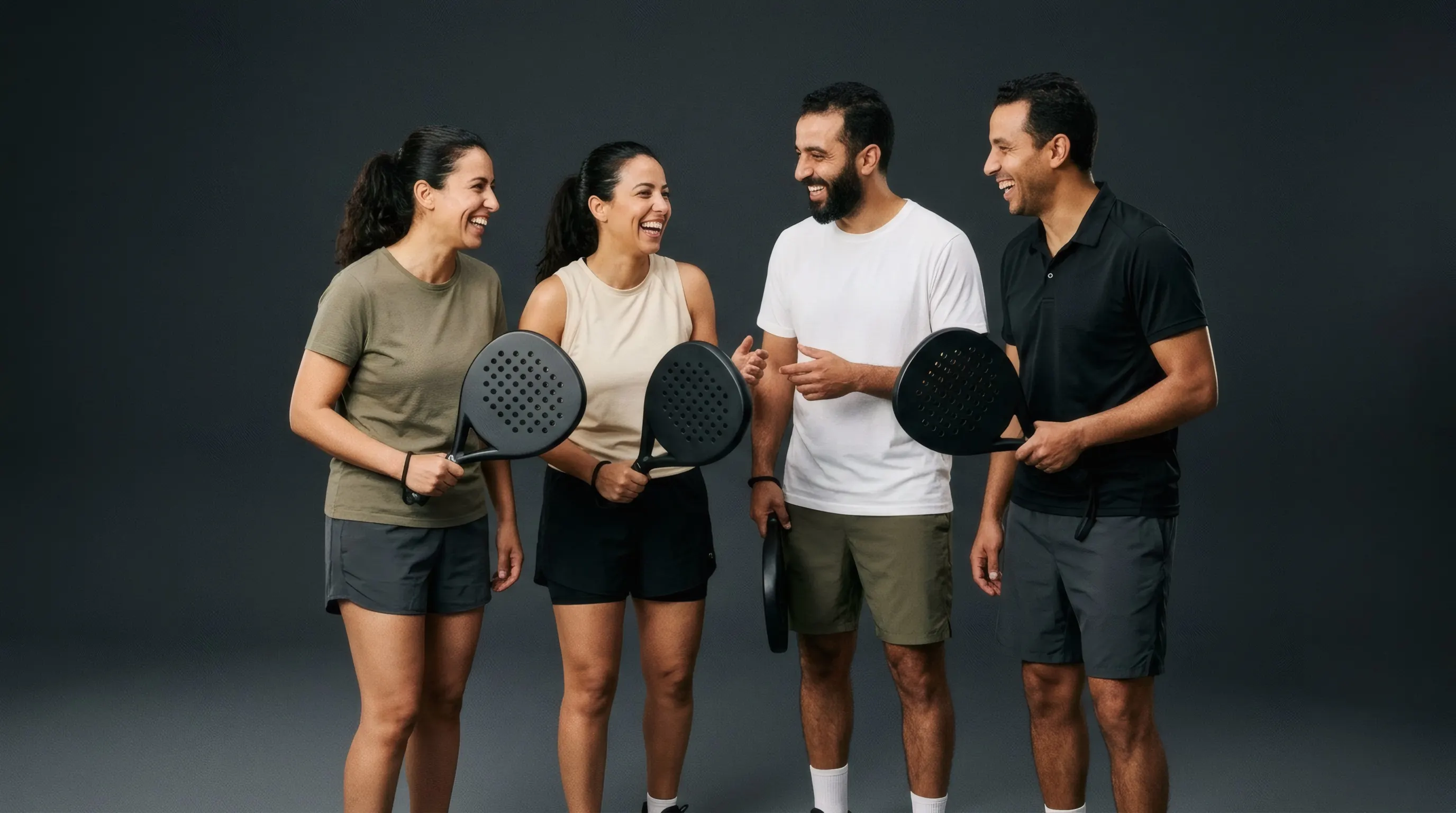
Be found by activity
Your club appears in the list and on the map for the activities you offer, with your opening hours, your amenities and the members who train there. Members can even search for what you have: "pool Maarif".
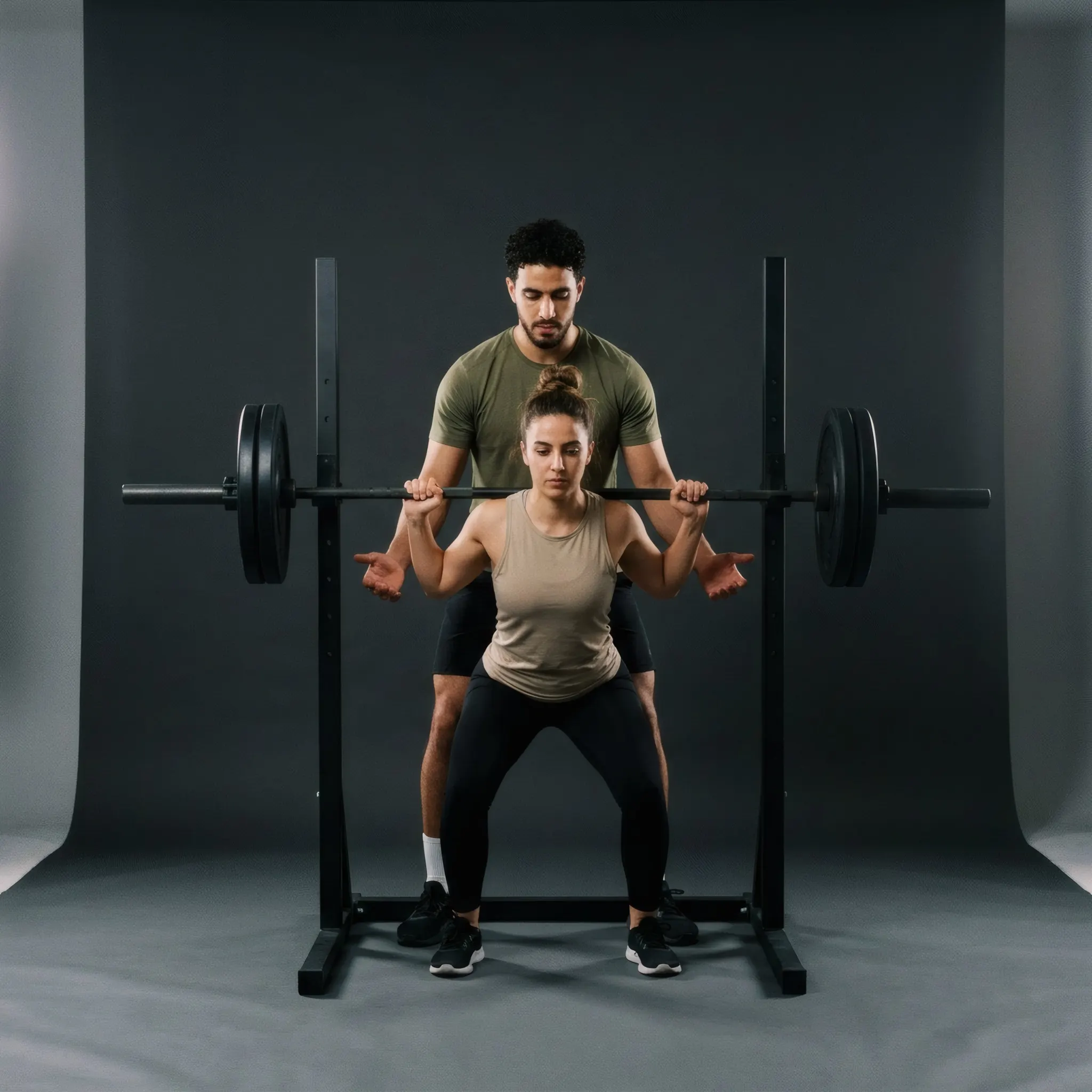










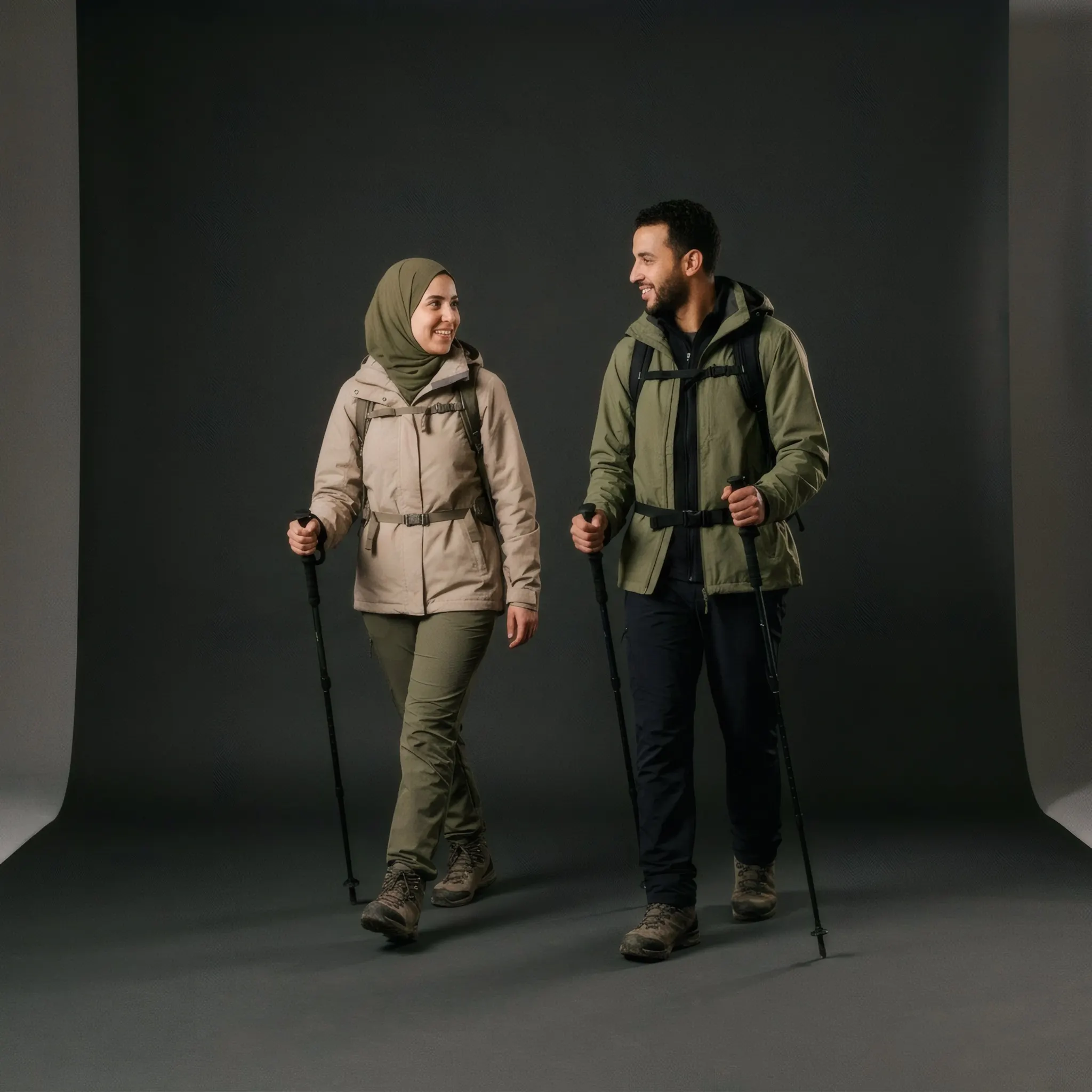
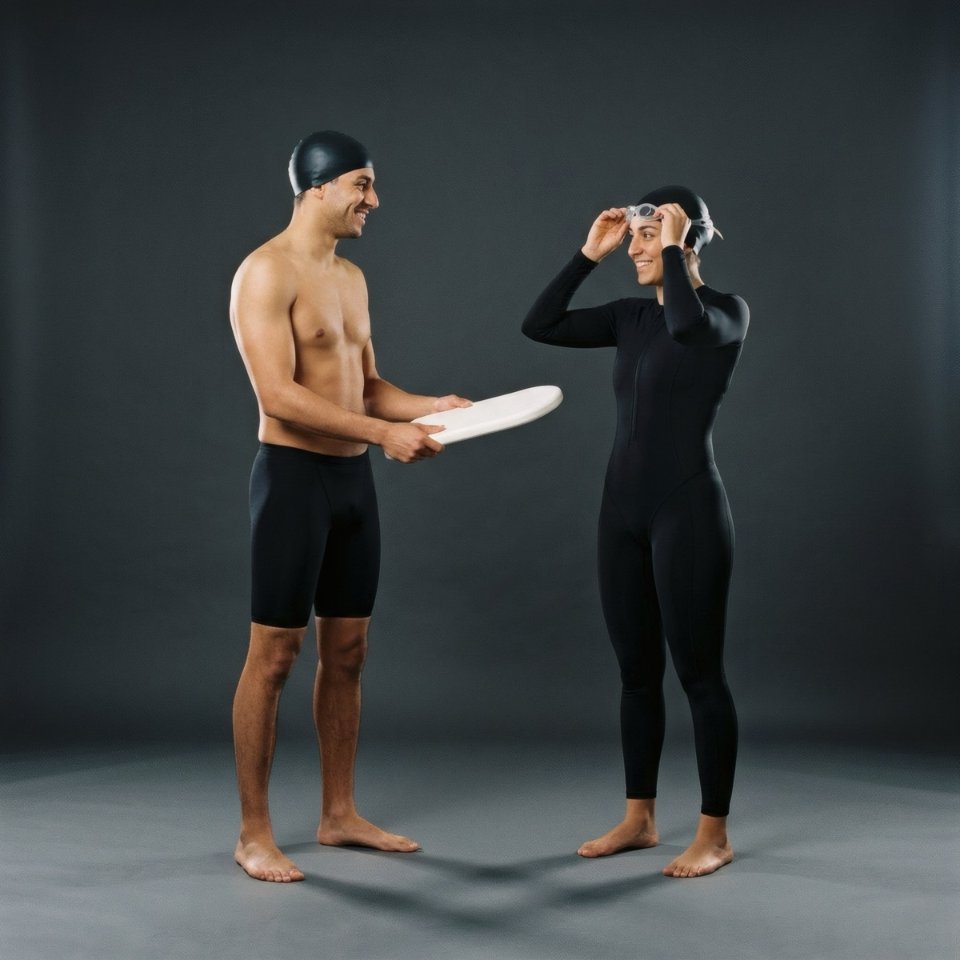

- Gym
- Running
- Football
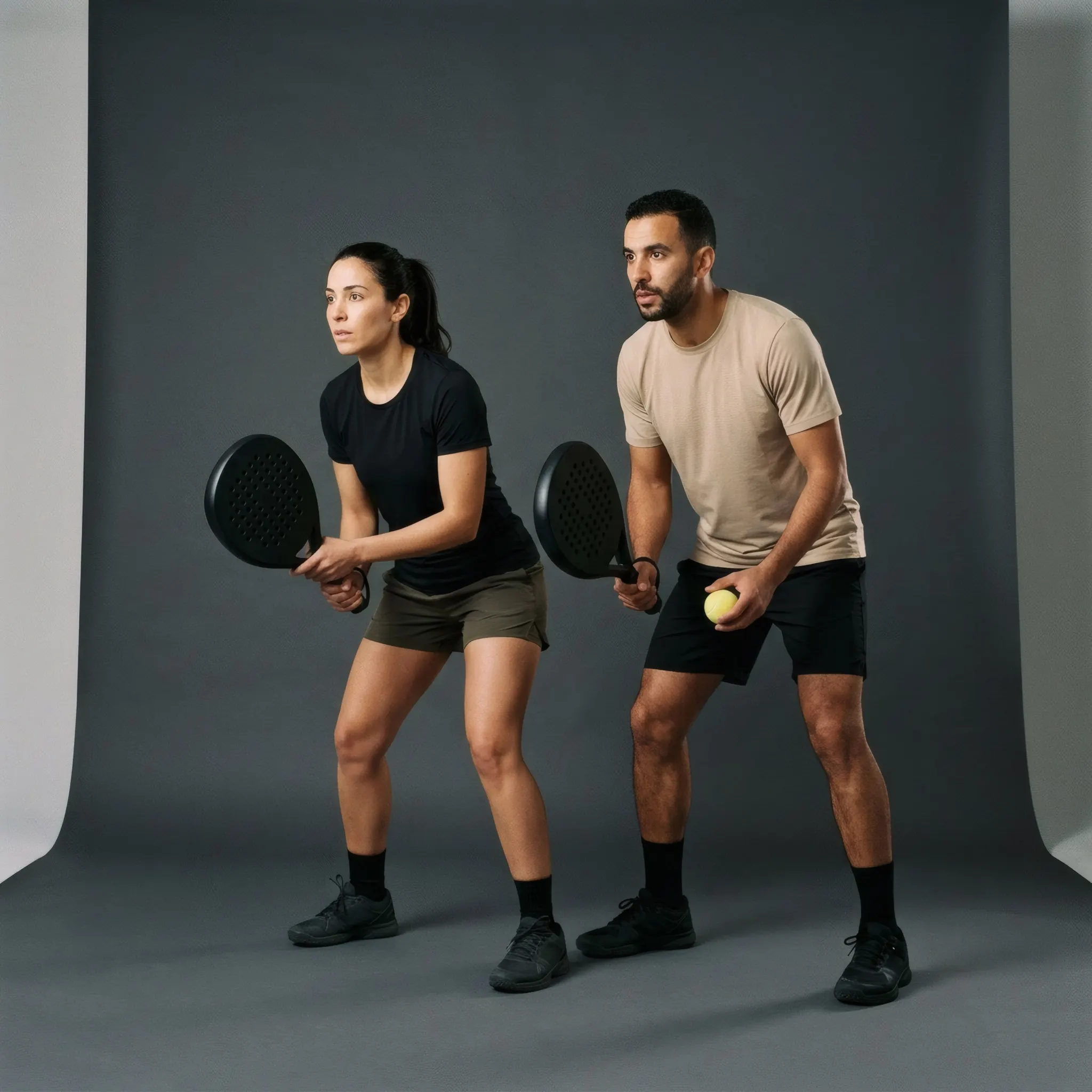
- Padel
- Tennis
- Boxing
- Martial arts
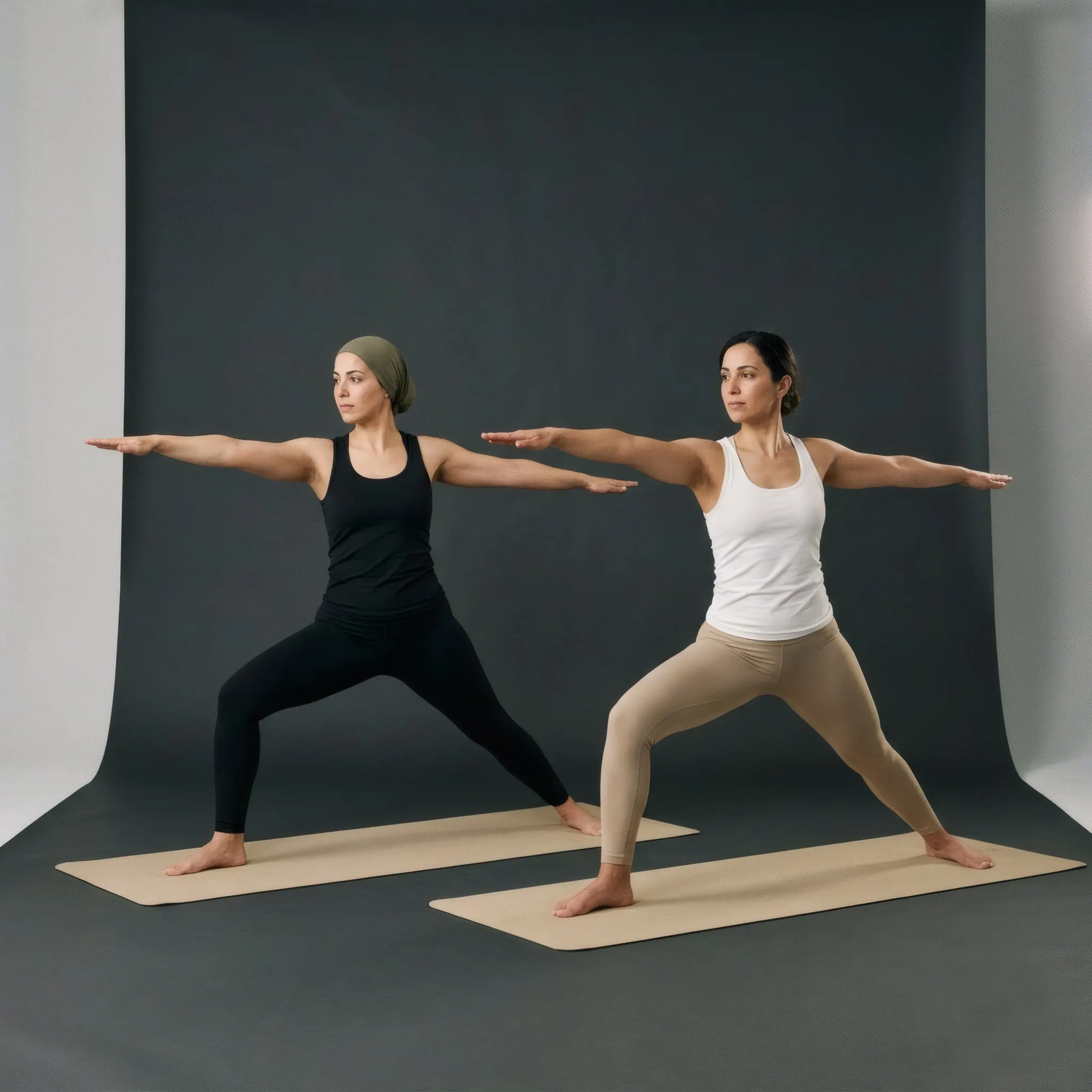
- Yoga
- Pilates
- CrossFit
- Swimming
- Cycling
- Basketball
- Hiking
- Surfing
- Motorcycles
Members filter clubs by these activities.
Your tools.
Offers, set up with you
A day pass, a trial, a discount or an event: you tell us the offer and the dates, we publish it in French, English and Arabic, with an image if you have one. Members see it on your page.
Scan the pass at the desk
Each member shows a personal pass, a code that changes every 30 seconds, so a screenshot does not work. Your staff scan it in the app and see the member's first name and photo; it works once per member and per offer.

The numbers, from us
How many passes were used for each offer, and how many members chose your club as their home club: we send them to you. Your staff also see the passes used today and in total on their screen.
Your page in the app.

Photos and description
Up to 12 photos of your space, and a few lines about your club in French, English and Arabic.
Hours, address, prices
Opening hours for each day, the address on the map, a starting price, your phone, website and Instagram.
Amenities
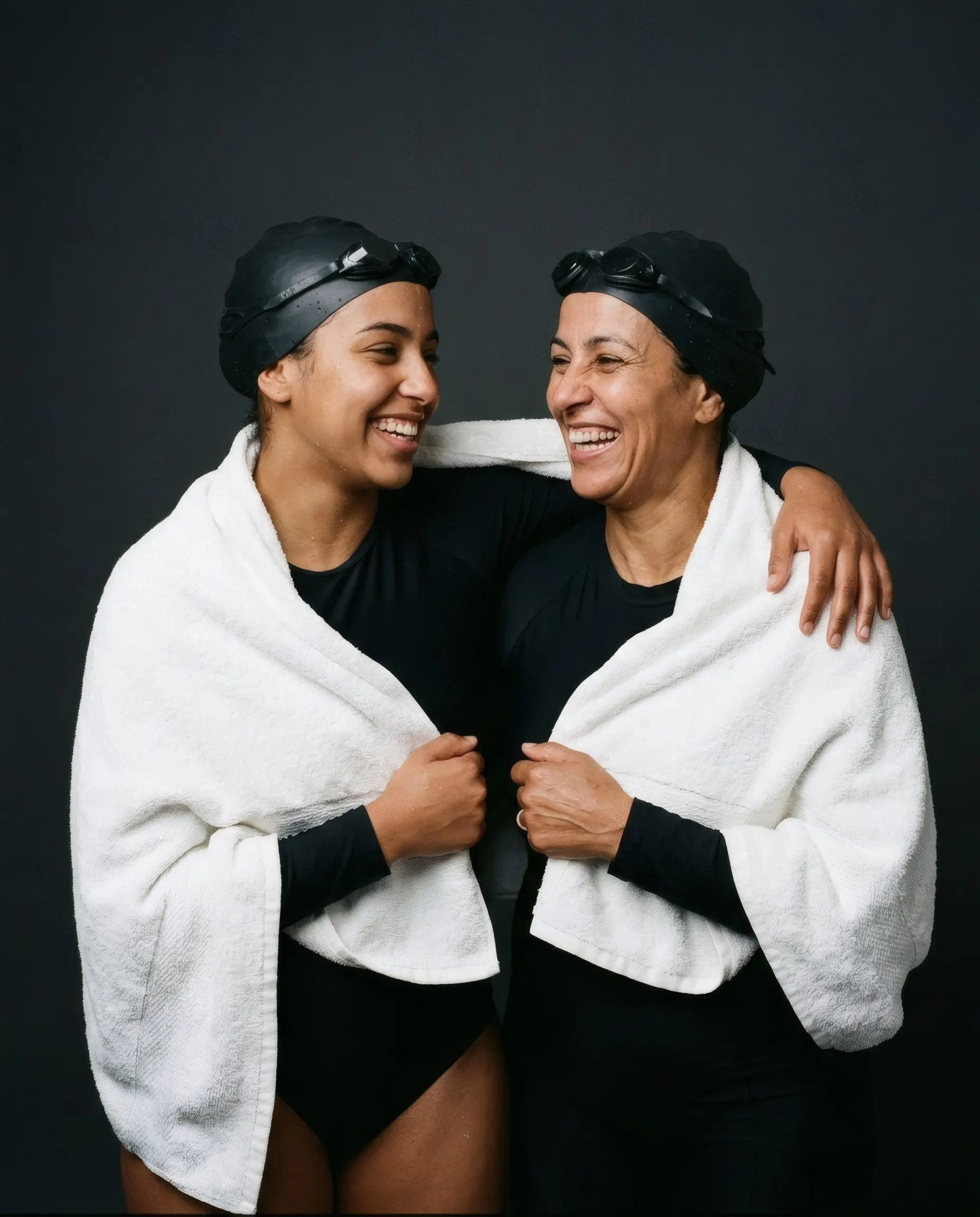
Parking, showers, lockers, a pool, classes, coaching, women-only hours and more, shown on your card in the list.
Member ratings
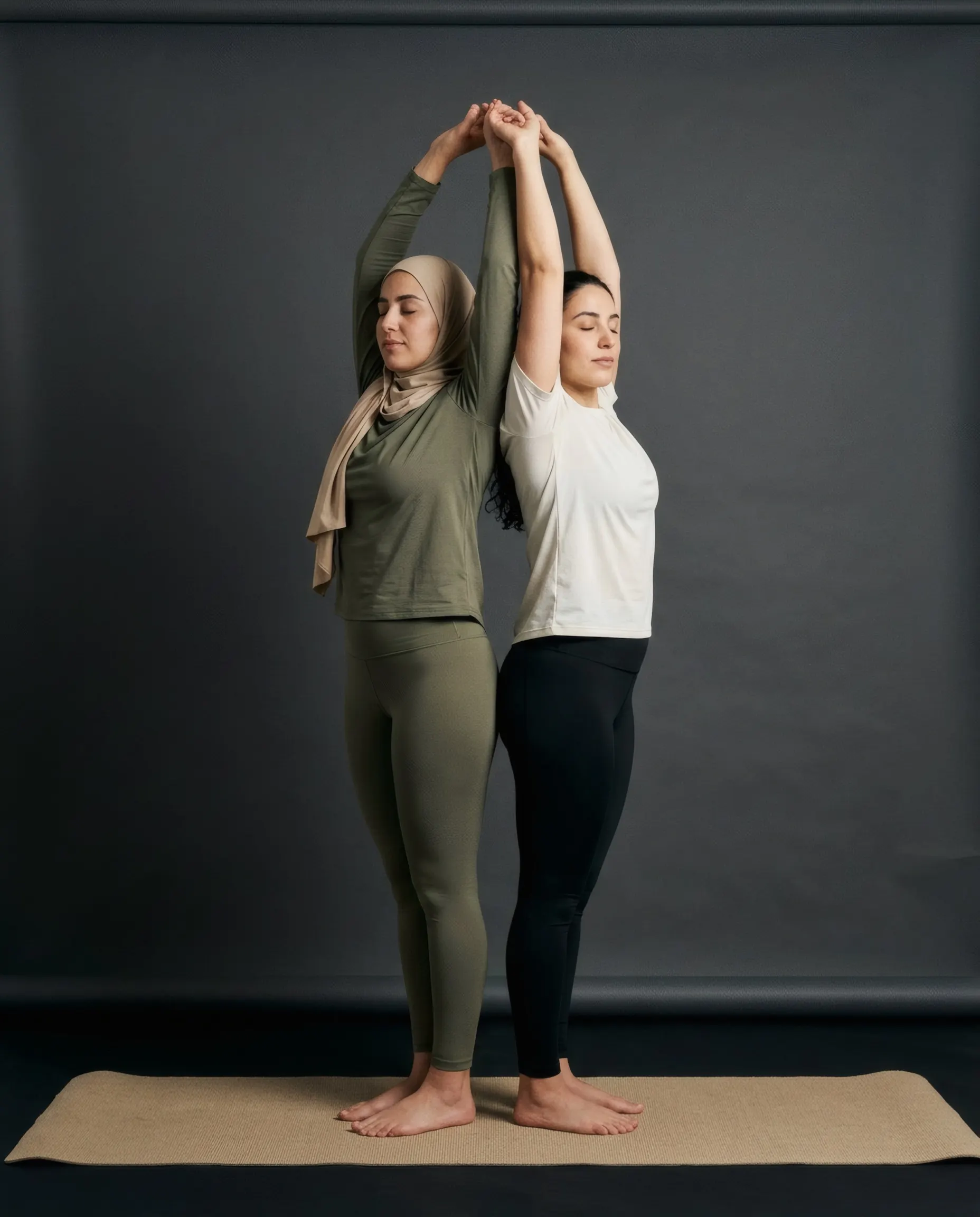
Only members who trained at your club can rate it, after a session there that they confirmed. Our team removes ratings that break the rules.
Your team at the desk.
Tell us who works at your desk and we invite them by email. They sign in with that Google account and get a staff screen: the scanner and your live offers, with the passes used today and in total. No member profile needed; they can join as members later if they train too.
Members who come together.
People find a partner first, then pick where to train. A listed club is where they meet.

Sessions at your club
Partners propose a session with a day, a time and a place. When the place is your club, everyone in the chat sees it on their schedule.

Popular, Trending, Featured
Popular and Trending are earned from the sessions members hold at your club, worked out every night. Featured puts your club first in its activity in your city, for 3 to 12 months, three clubs at most.
Women-only clubs
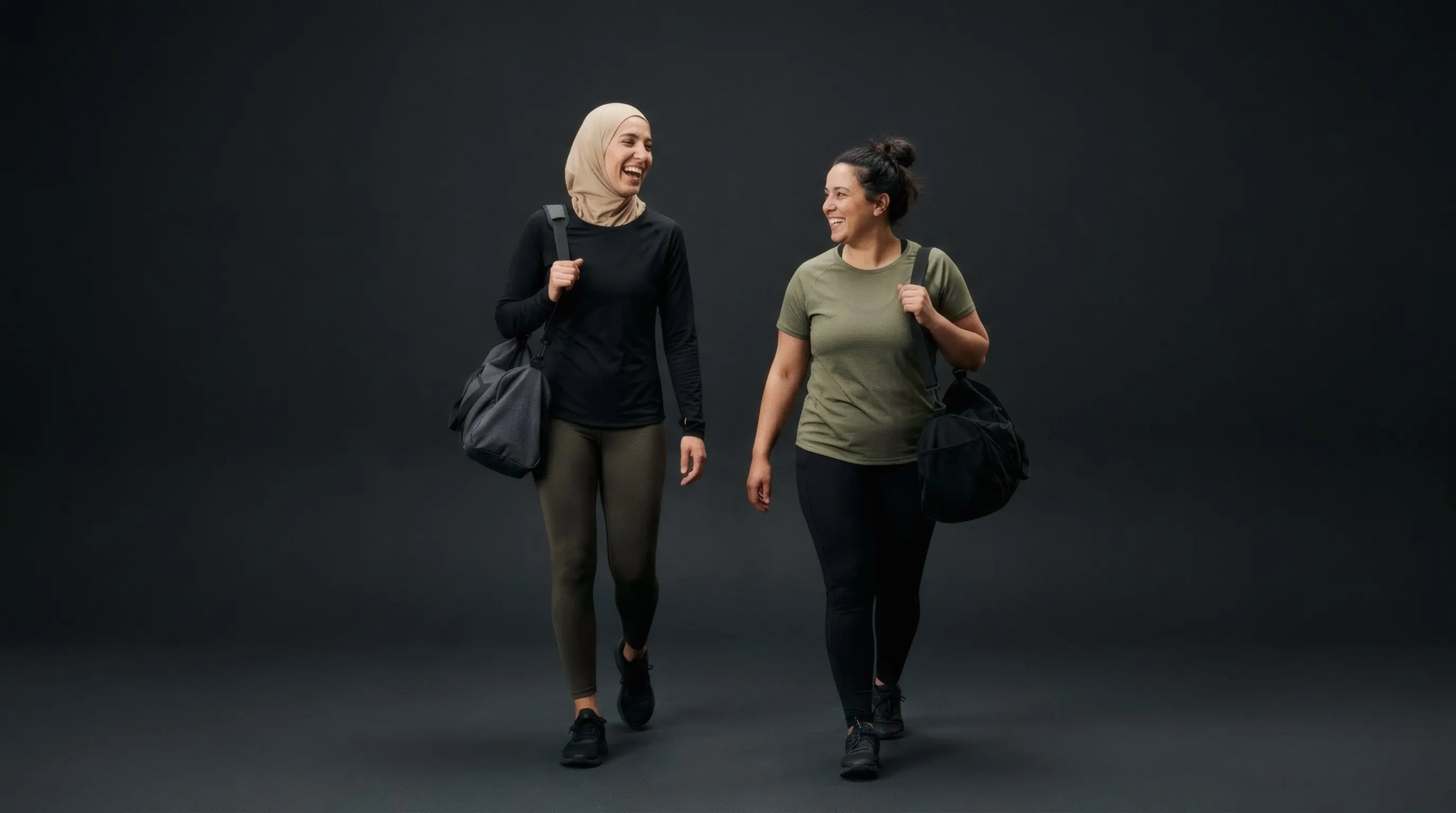
A club for women only is marked as such in the list and on its page.
Where your club appears
Each plan adds to the one before. This is how members see your club in the app.
- Clubs near you
 AAtlas Fitness1 offer for TrainiMaya members
 Cedar Yoga Studio
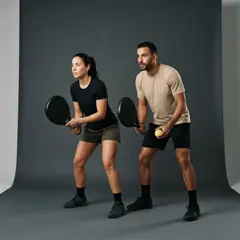 Corniche Padel Club
In the clubs list
With Essential: your photo and logo in the list, by distance and activity. Your offers show here with Partner.
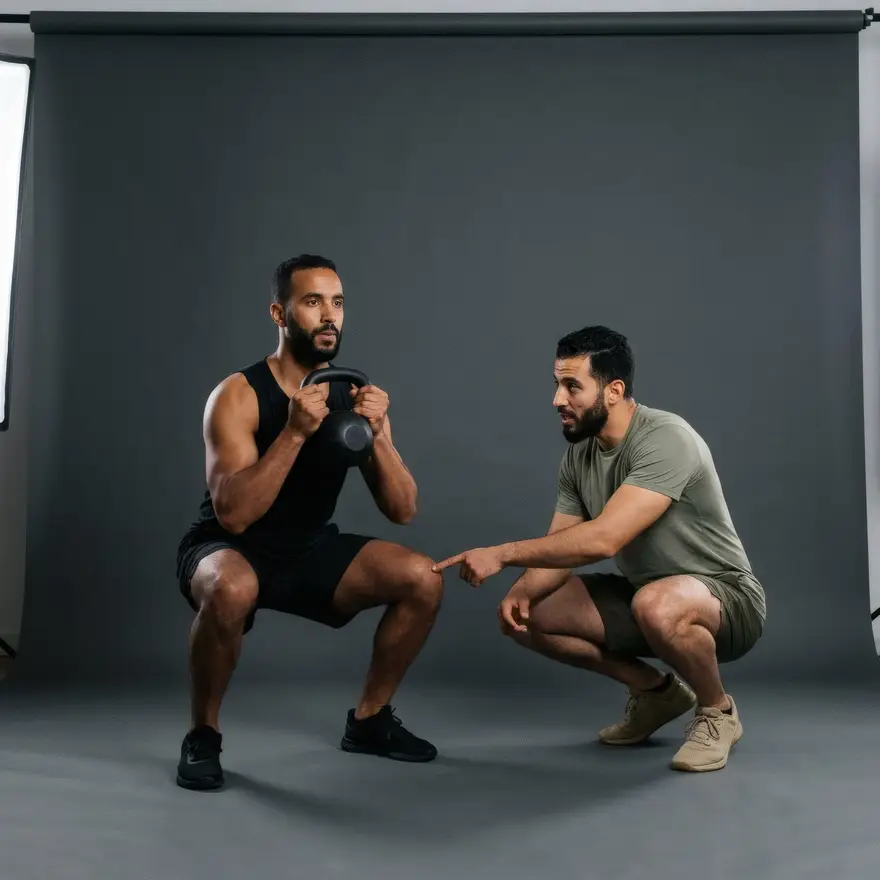 AAtlas Fitness
Your club page
With Essential: photos, hours, women-only hours and the ratings of members who trained with you.
- AAtlas FitnessFree day passShow your pass at the desk. Once per member.Until December 31Show my passScan a passValid passSalma · Free day pass
Offers with the pass
With Partner: members show their personal pass and your desk scans it, once per member.
- Clubs near you
 AFeaturedAtlas Fitness1 offer for TrainiMaya membersCedar Yoga Studio
The Featured card
With Featured: a large card first in the list for your activity and city, labelled Featured.
- Watch the videoAAtlas Fitness
Watch the video
With Featured: a 15-second video on your club page, played only when a member taps it.
Three plans.
Your club shows in the app for free until launch day. From then on, each location shows with a plan. Clubs that sign early get a launch offer.
- Required to show
Essential
Your club in the app and on the website from launch day.
- Your page: photos, hours, prices and women-only hours
- On the map and in search, by activity
- Ratings from members who trained there
- Your contact details
- Essential included
Partner
Bring members in with offers they redeem at your desk.
- Offers redeemed with the member's personal pass, scanned at the desk
- A staff app for your desk
- Passes counted, with an export
- Your logo on your club's cards
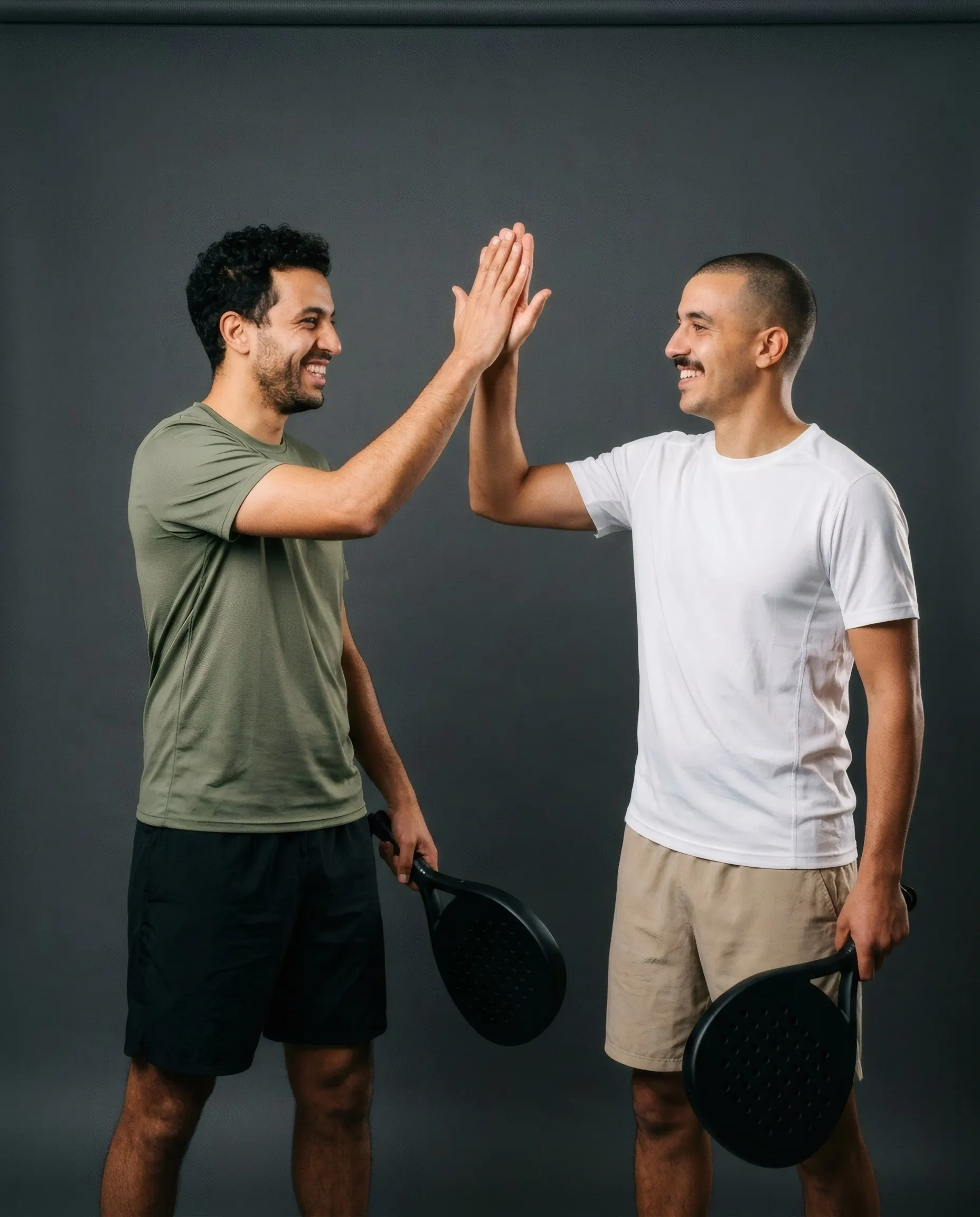 Added to Partner
Featured
Your club first in its activity, in its city.
- First place in the list for your activity and city
- A Featured label on your card
- 3 clubs per activity and city at most
- A 15-second video on your club page, played when a member taps it
What clubs ask us.
Send the form below. We call you back within two business days, explain how it works and build your page with you: photos, opening hours, amenities and a description in French, English and Arabic.
You tell us the offer and the dates: a day pass, a trial, a discount or an event. We publish it in three languages, with an image if you have one, and members see it on your page.
With Featured, yes: one video of up to 15 seconds on your club page. It plays only when a member taps it, never in the lists. Our team adds it with you.
A phone with the TrainiMaya app, signed in with the Google email we invite. They get a staff screen with the scanner and your live offers, and no member profile.
Each member shows a personal pass whose code changes every 30 seconds, so a screenshot does not work. It is valid once per member and per offer, and your staff see the member's first name and photo.
We send you the numbers: passes used for each offer and members who chose your club as their home club. Your staff also see the passes used today and in total.
Only members who trained at your club, after a session there that they confirmed. Our team removes ratings that break the rules.
They are used only to call you about the listing and are seen only by our moderators. They are deleted 12 months after our last contact, or sooner if you ask.

List your club
Your club, in the app people train with.
Two steps, and your club is in.
Leave your details; we call you, explain how it works and set up your page with you.